A YouTube video tutorial to create an Indico account is available here.
Go to the registration page.
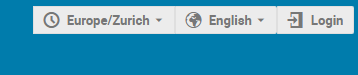
The conference webpage is the CTBT's Indico: https://conferences.ctbto.org and click Login in the upper right corner of the page.
Create a new account
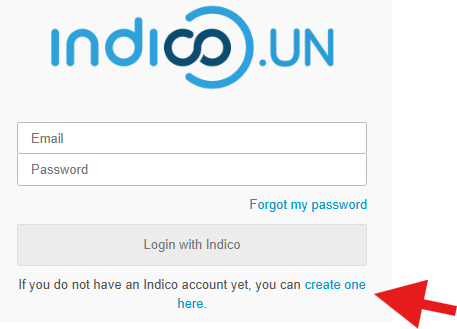
Click on create one here.
Provide your credentials
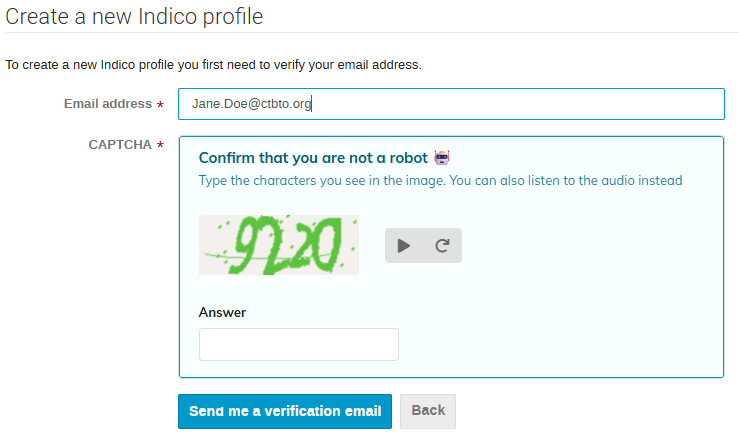
Enter your email address, fill in the CAPTCHA (if requested), and click Send me a verification email.
Receive verification link
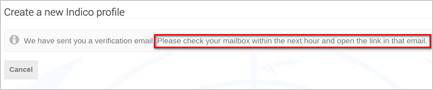
You should receive an email with an activation link. The link is valid for 1 hour only.
Verify your email
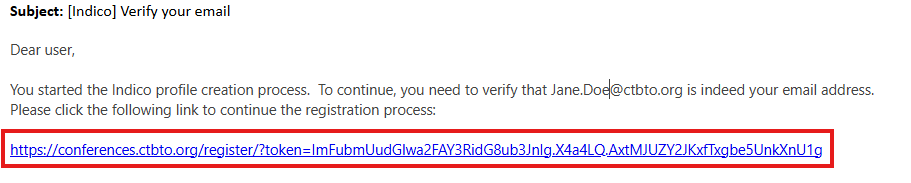
When you receive the email, click the link to complete the registration.
Complete the registration
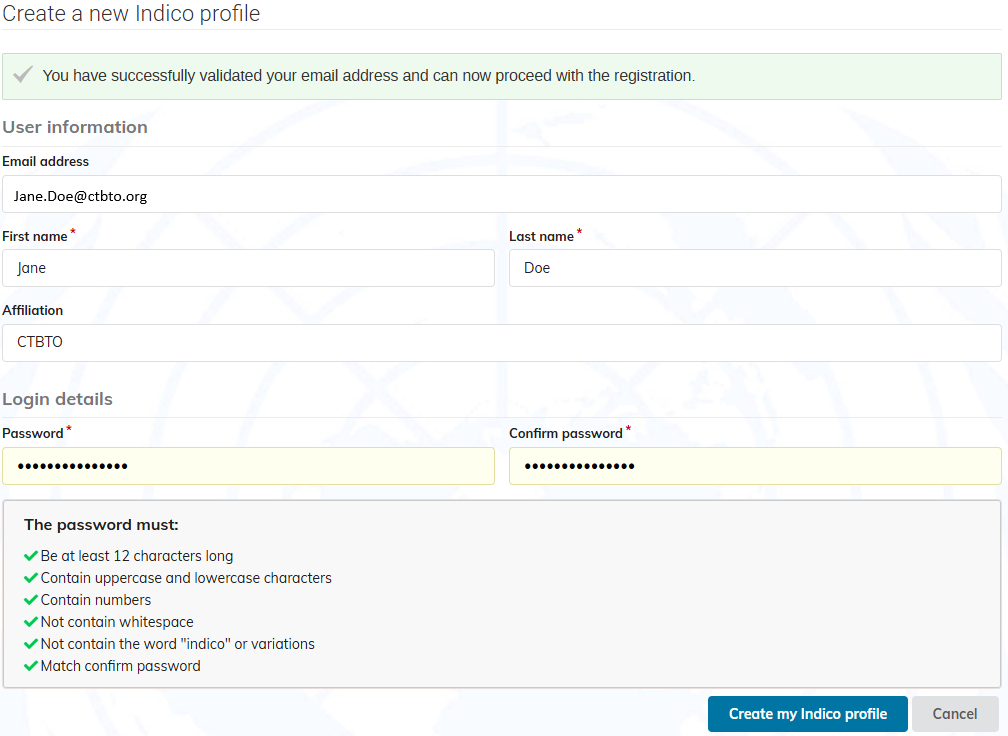
A confirmation message appears. Enter your user information and set the password. If you do not set a password and close the screen, you will have to follow the steps to create an account again. => Email + password = user account.
After you entered all the details, click Create my Indico profile at the bottom of the screen to save.